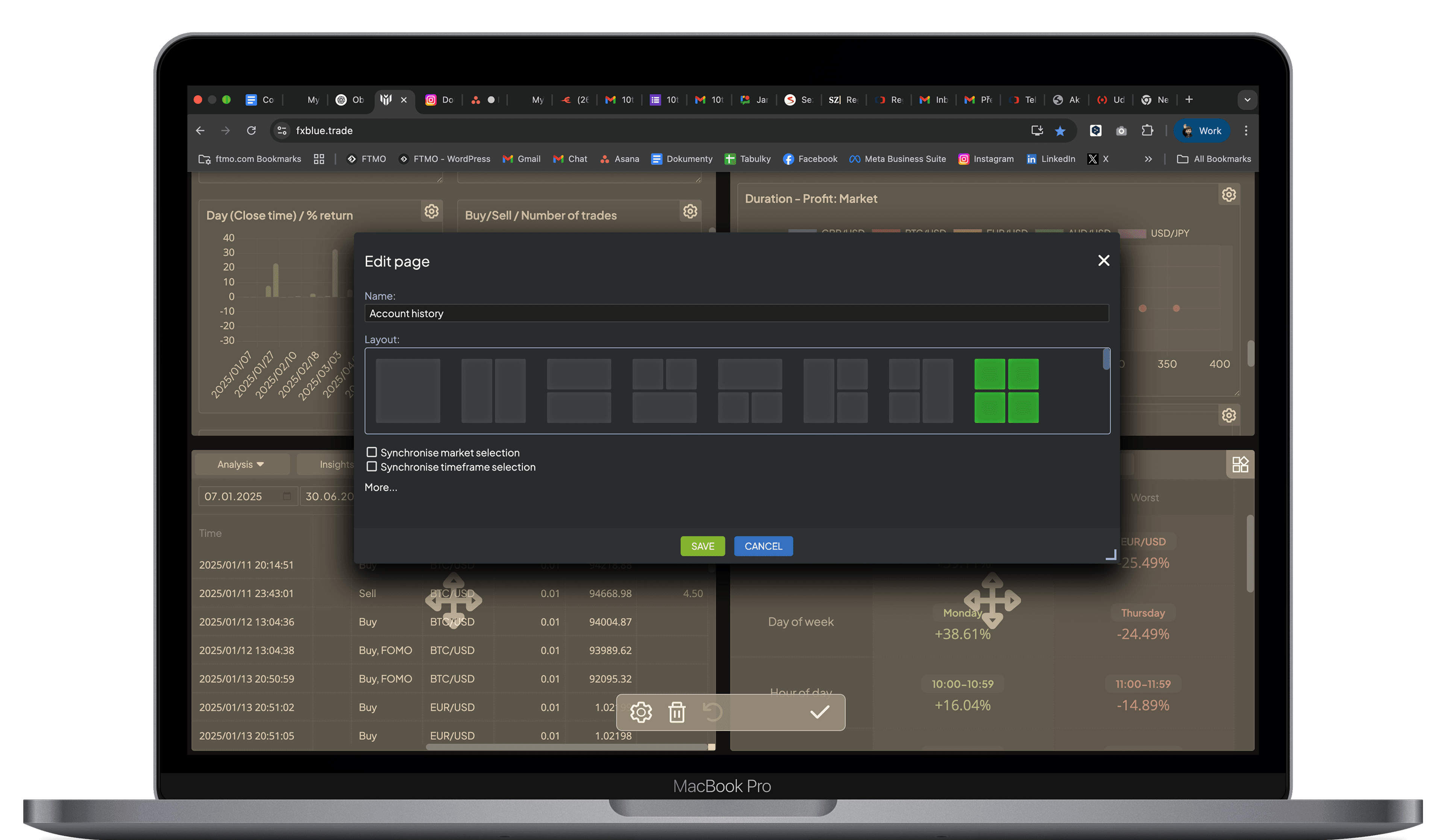
What Makes MyTrader Different?
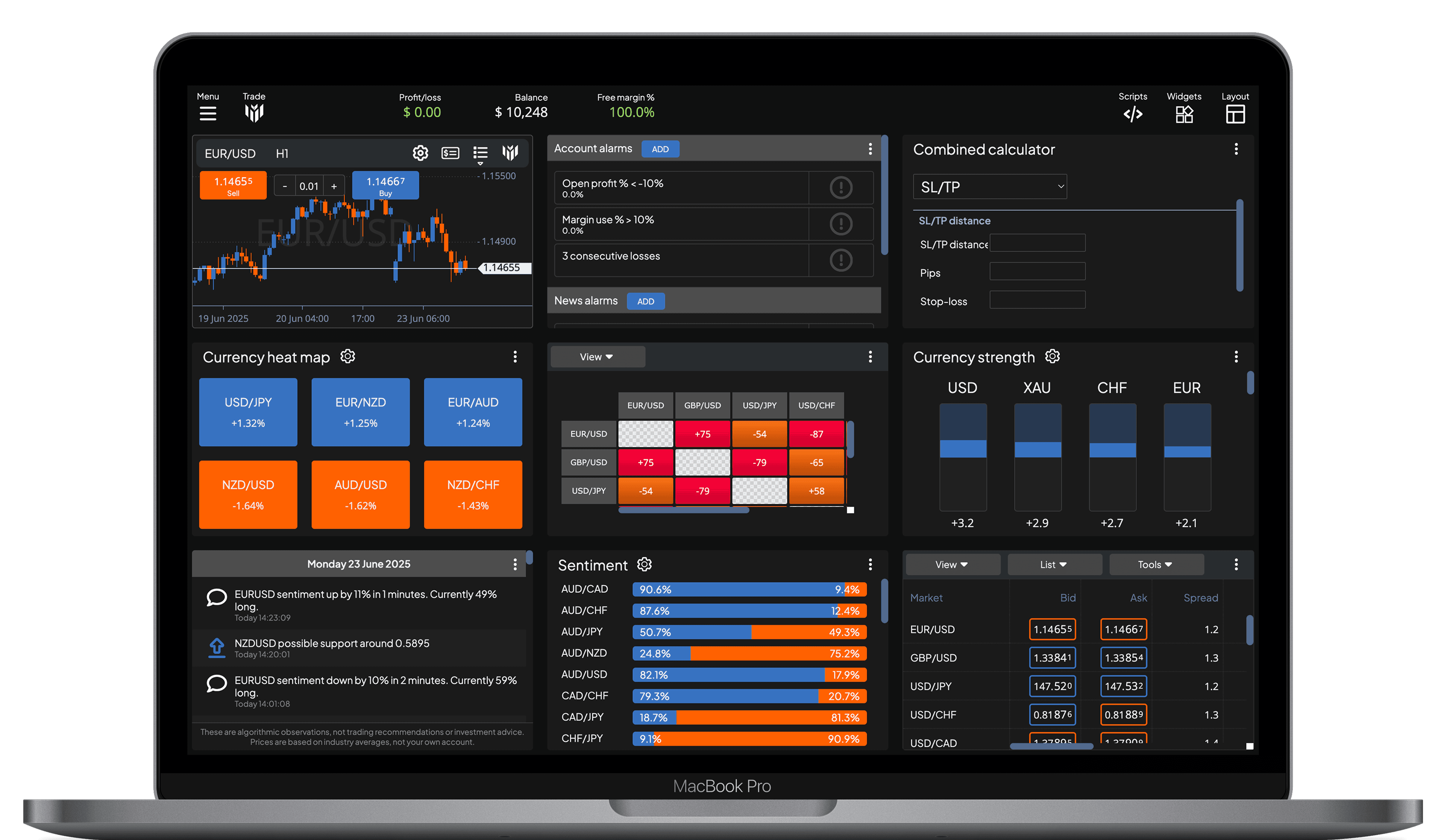
- Huge range of tools to choose from - over 40 widgets including trading tools, market data, calculators, and many more
- Completely configurable - rearrange and redesign the platform, building your own preferred trading app
- Powerful scripting - automate common actions, or build your own new content for the platform
- Download and share content with other people
Learn More About Apps in MyTrader
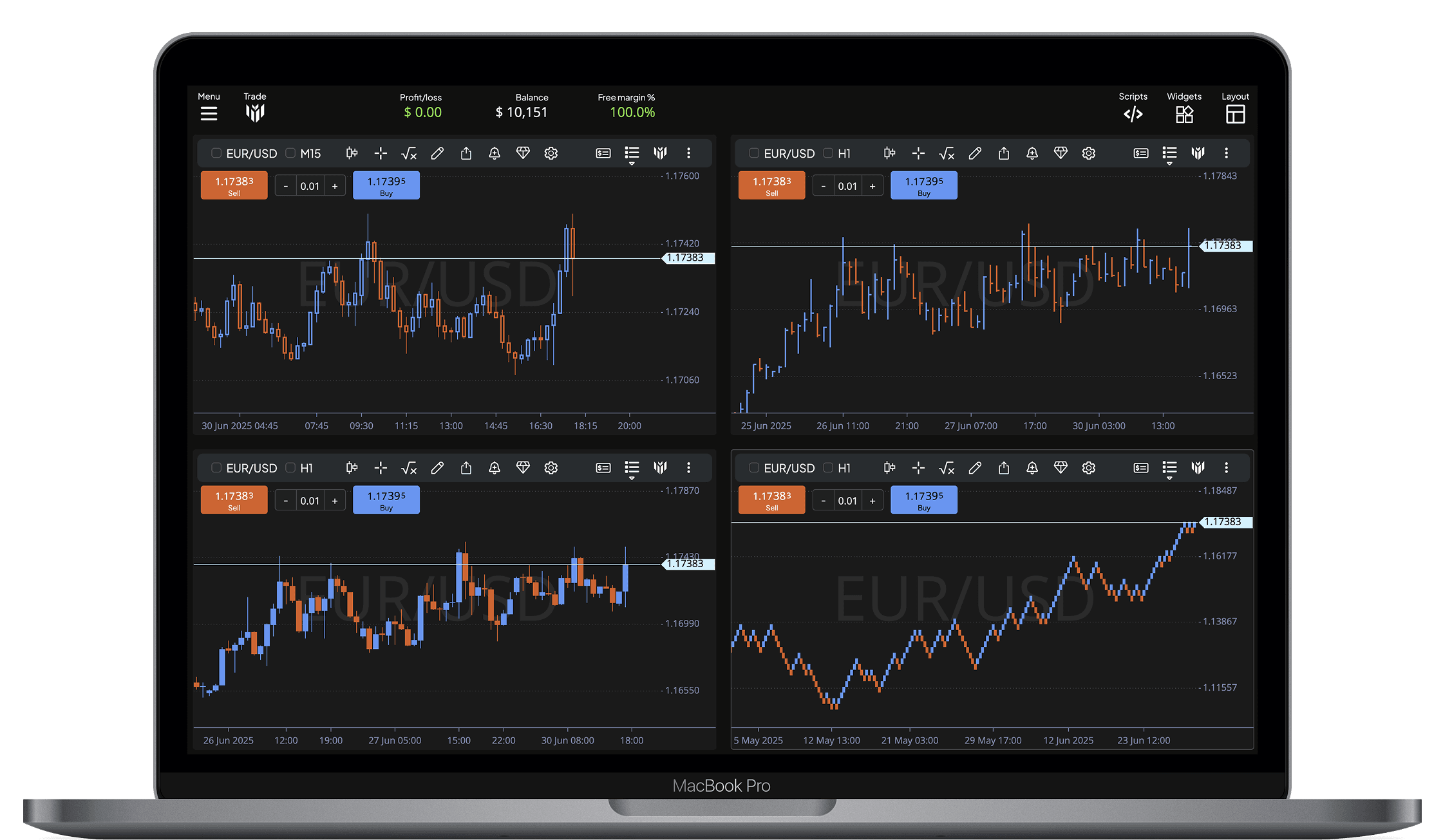
Charting
Explore markets with total clarity thanks to a powerful and fully customisable charting environment. Traders can choose from a wide variety of chart types – including Candlesticks, OHLC, Heikin Ashi, Renko, Line Break, and more – allowing for precise analysis and strategic decision-making based on individual trading styles.
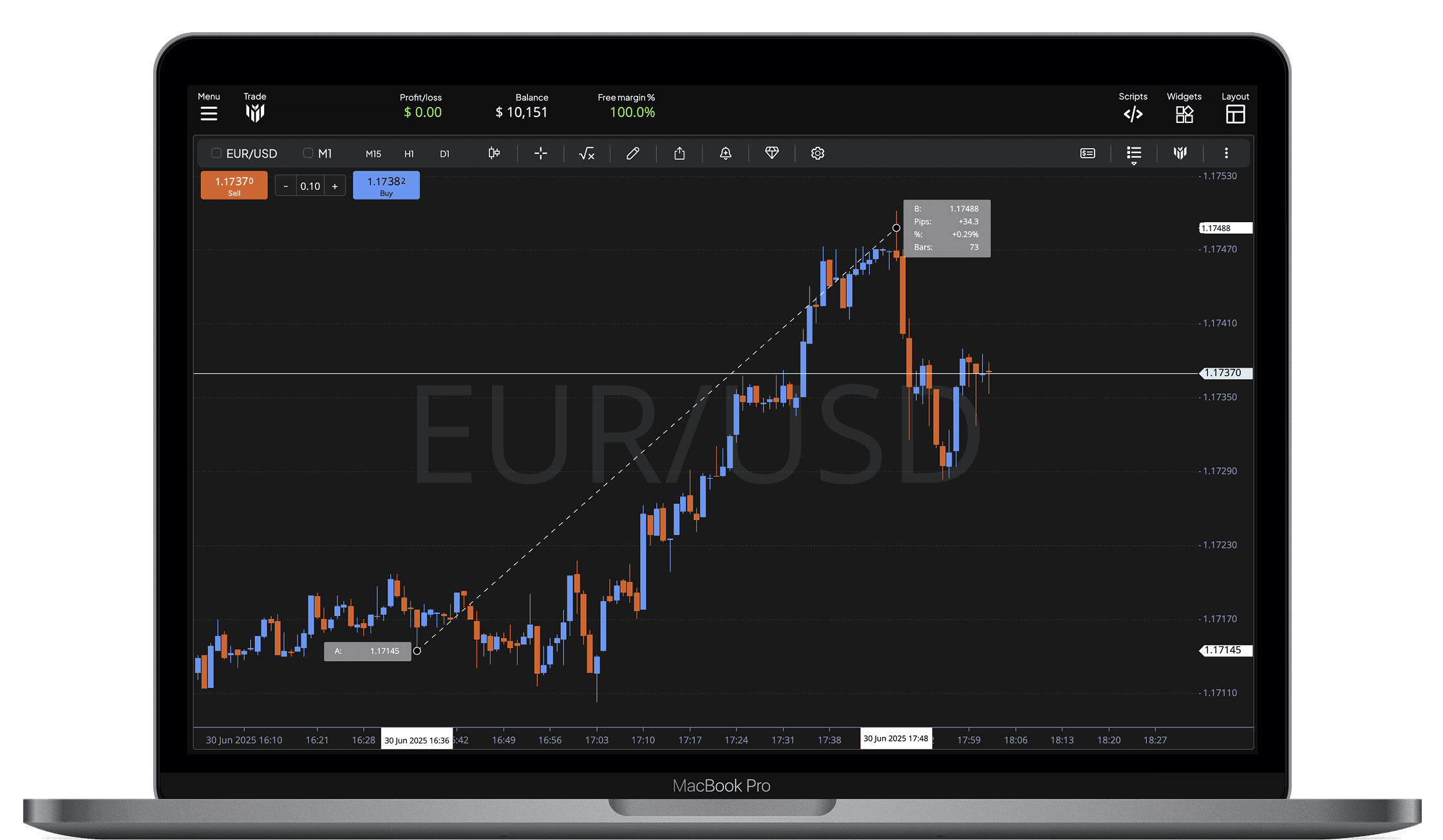
Interactive Chart Controls
Beyond just viewing charts, the platform enables you to interact with them intuitively. From precision tools to direct order placement, every function is designed to make your trading workflow smoother, faster, and more responsive to real-time market conditions.
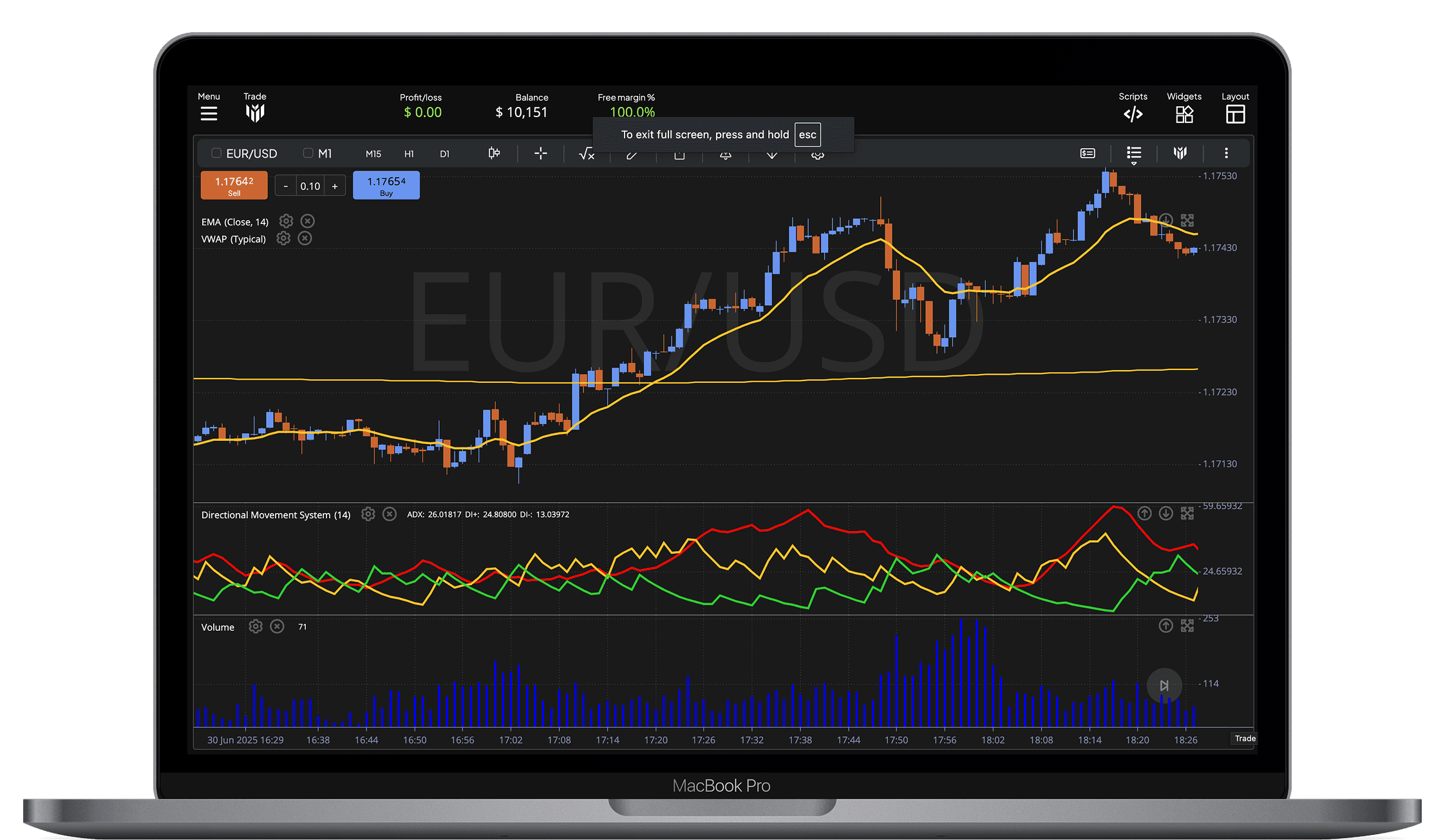
Technical Indicators & Studies
Whether you're identifying trends, analysing volatility, or validating entry signals, indicators are a key part of any technical setup. The platform gives you access to an extensive collection of built-in studies – from the most popular tools used by retail traders to specialised models used by professionals. Everything is accessible within a few clicks, allowing you to build, modify and manage your strategy in real time.
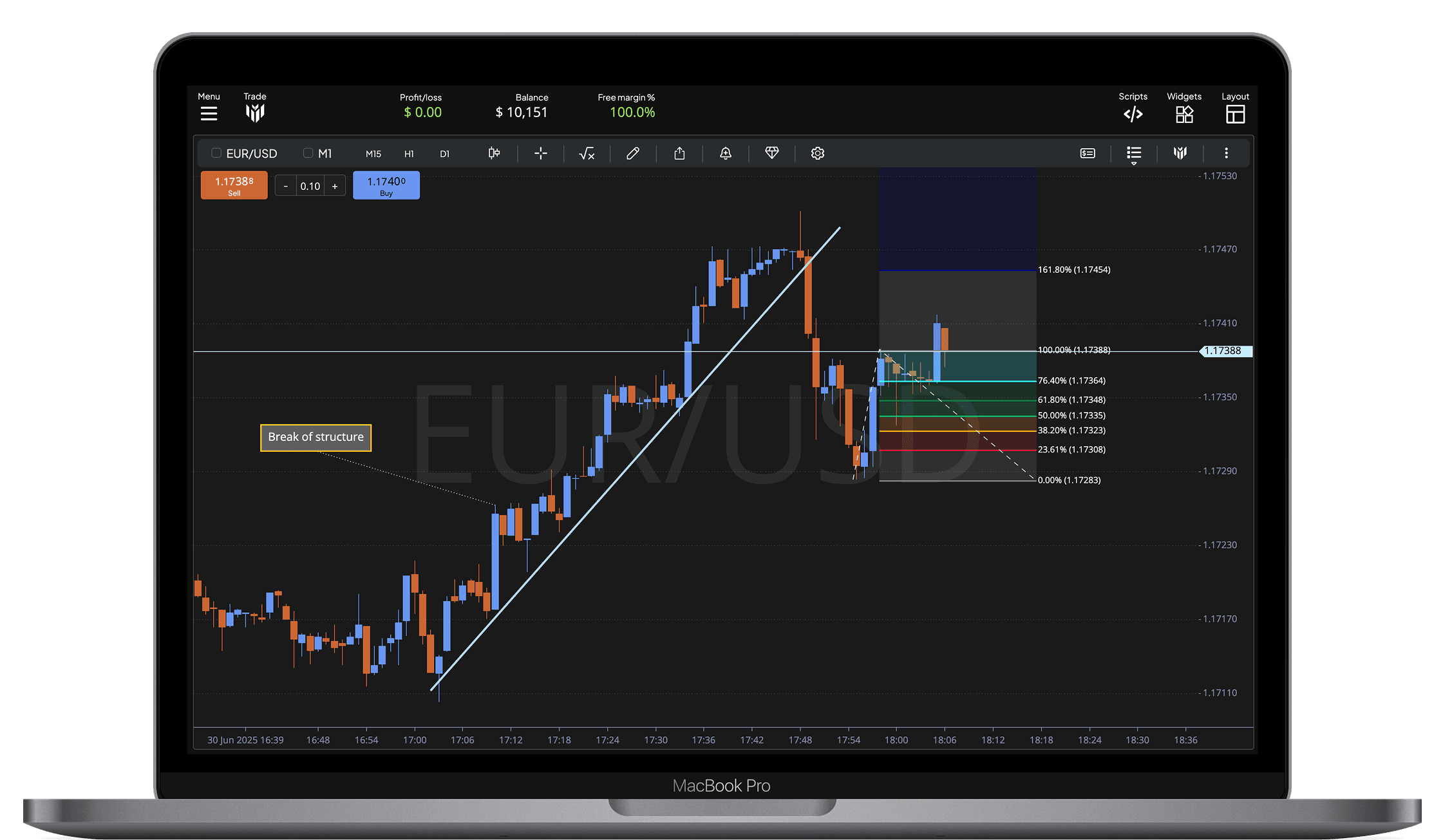
Drawing Tools & Chart Annotations
The platform provides a comprehensive set of drawing tools that allow traders to mark up charts, identify patterns, and communicate ideas visually. Whether you're outlining key levels, highlighting a formation, or building out an entire trading plan directly on your chart, these tools offer the precision and control you need.
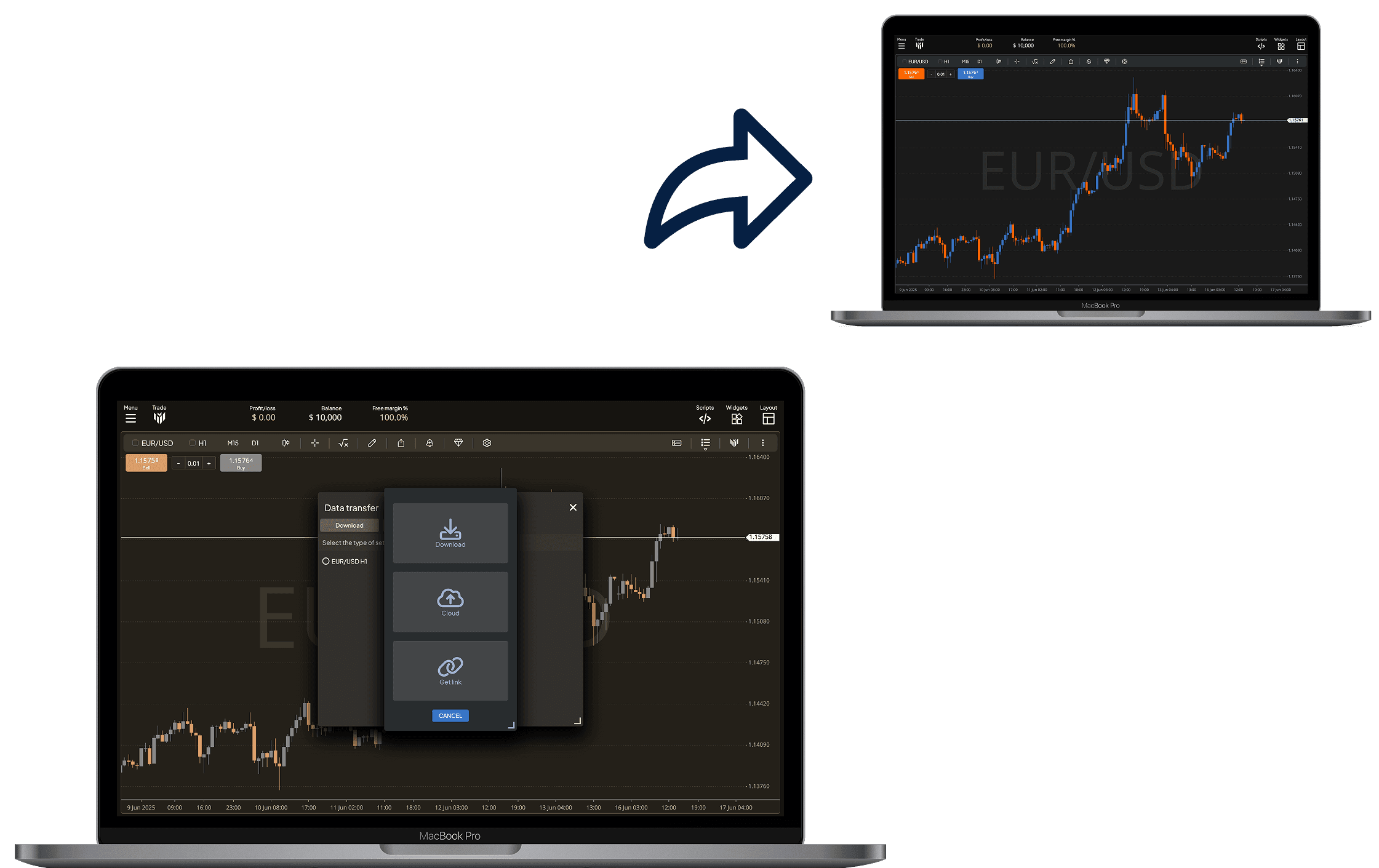
Sharing & Workspace Transfer
Whether you're collaborating with others, documenting your ideas, or moving between devices, the platform makes it easy to manage and share your charts and settings. With flexible options for saving, exporting and linking, traders can work seamlessly across sessions, teams, and platforms.
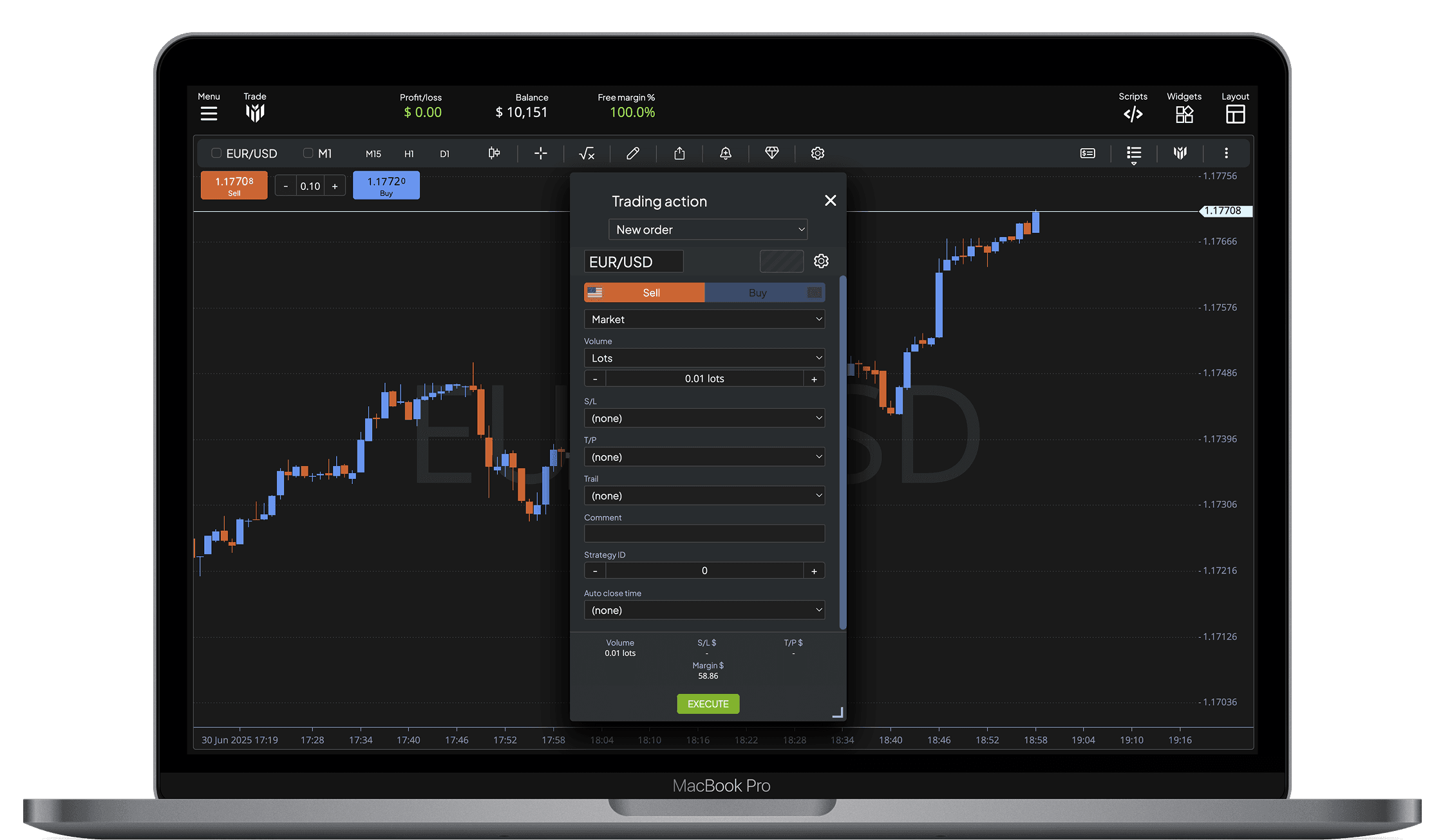
Advanced Deal Ticket
The Advanced Deal Ticket is designed for fast, precise, and fully customizable trade execution. Whether you're scalping, swing trading, or managing multiple open positions, this tool provides complete control over every detail of your order before it's placed.
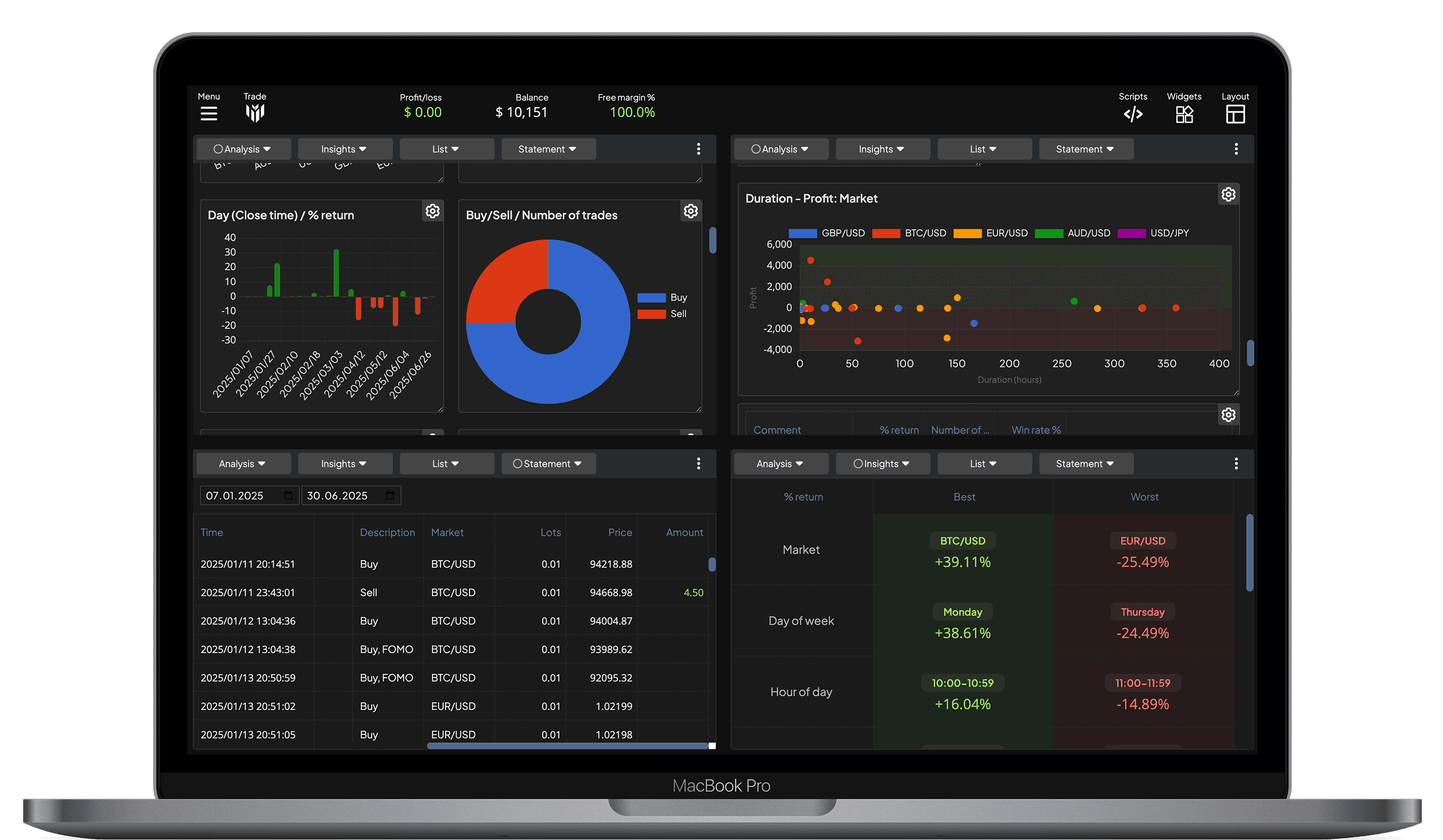
Account Analytics & History
Track your trading performance with a full suite of interactive dashboards, advanced metrics, and detailed historical records. The account section brings clarity to your results, helping you learn from past trades and fine-tune your strategy going forward.
Custom Widgets & Tools
The platform offers a wide range of powerful widgets that can be launched on demand, giving you immediate access to the tools and data you need – exactly when you need them. Whether you're analysing the market, managing orders, or calculating risk, widgets allow you to tailor your workspace with maximum flexibility.
Custom Page Layouts
Build your ideal trading environment using flexible layout templates. Whether you're focusing on a single chart or managing multiple data panels at once, these configurations let you organise your workspace exactly the way you work best.